Configure the display of time code based meta data along with the Player on the Preview Panel and the Details View
Keyframes as default: Automatically load the key frames first along with the player
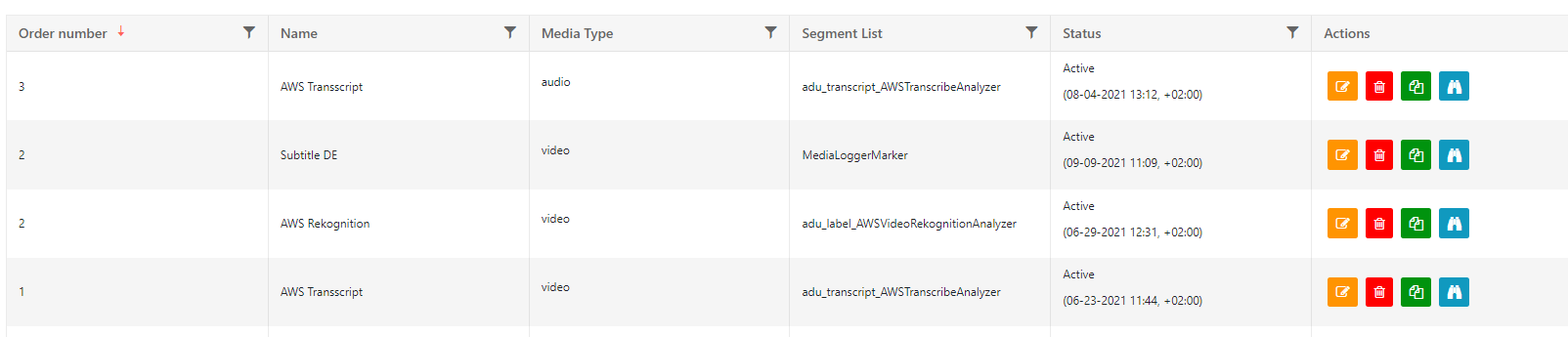
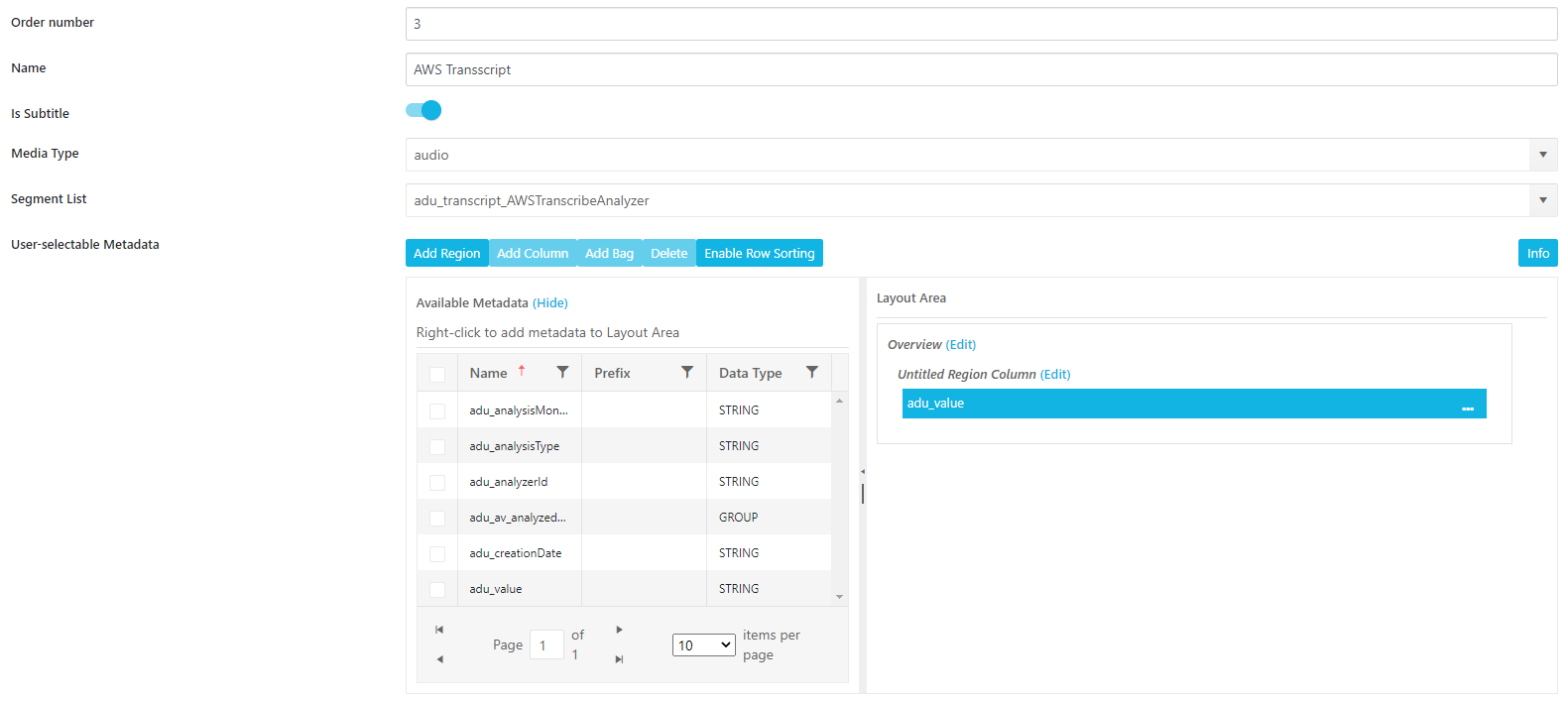
Order by number: Manually set an order as a full number (1,2,3 and follows). Smallest number will be on top. If administrator assigns same number twice it will show the latest created segment list
Name: Display this label in MediaPortal
Is Subtitle: Enables which list as option to the subtitle selecton on the player. When a user selects this list on the player, it will be shown as overlay
Media Type: Video or Audio be chosen. Corresponding list will only be available on these.
Segment List: Choose from the generally defined meta data groups which contain timecode based entries
Title field for segment: If an event is handed over to Dropzone, use this as displayed title and for partial within the Collection
Enable Timeline for group: Shows timeline for selected metadata-group
Show timeline based on field values: By default shows timeline with specific values per metadata field. Like e.g. sport events
User-selectable-Metadata for Timeline: Selectable values from the metadata group, like event or person, which will then be shown as individual values
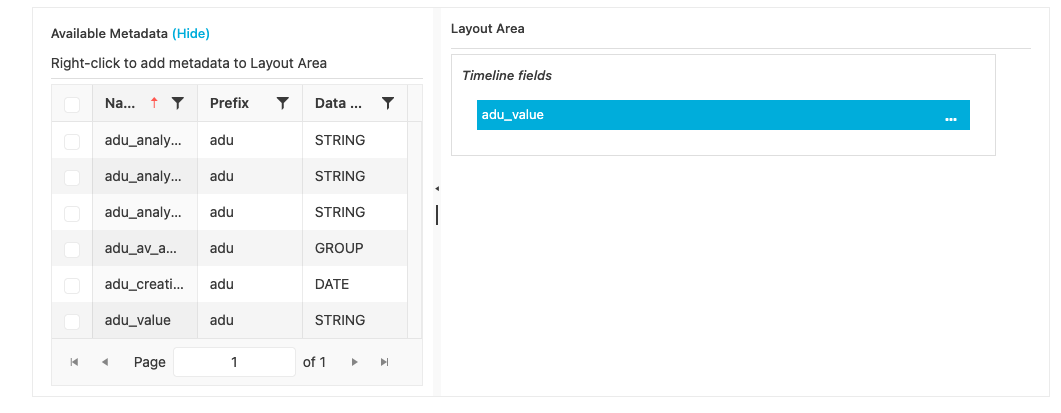
User-selectable-Metadata: select from the meta data group, which fields should be actually displayed and how they are arranged