
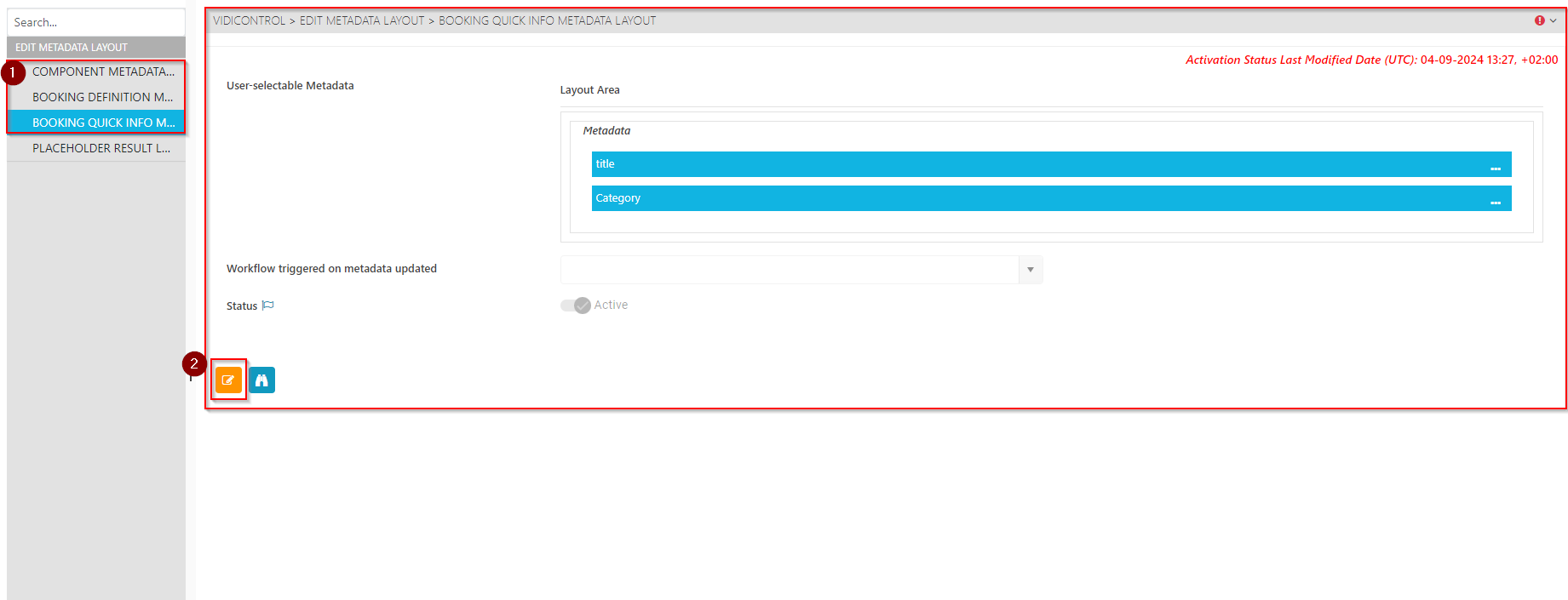
Users can modify the metadata layout (1) as seen in VidiControl. Users can edit (2) all arrangements.
It is important to note that the metadata fields are system-wide and handled central under the global use case page Metadata. This page only specifies a selection and arrangement of the same fields and respective values within VidiControl’s layout.
How metadata layout can be edited is a general function and described in the following section of the Central Operations Guide for ConfigPortal: https://kb.vidinet.net/central/latest/functional-use-case-category-edit-metadata-layout- .
Three metadata layouts are available:
-
Component: Defines the metadata set of the component that will be transferred to the VidiCore item
-
Booking Definition: Defines the metadata set of the Booking Definition that will be transferred to the VidiCore Collection.
-
Booking Quick Info: Defines the metadata set of the metadata that is displayed in the quick info box, see Area: Notifications & Messages