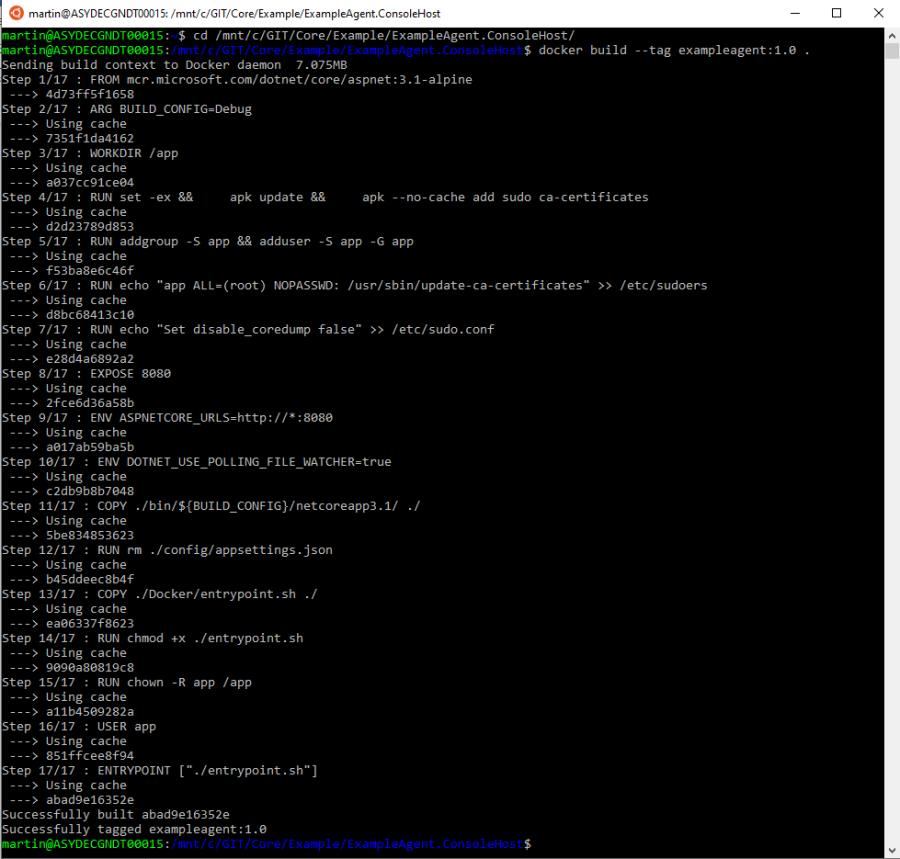
Ensure that docker is running and then start your Linux shell. Navigate to the <agent name>.ConsoleHost project folder of your agent. Choose a docker image name and version and execute
docker build --tag <image name>:<image version> .
The result should look like this