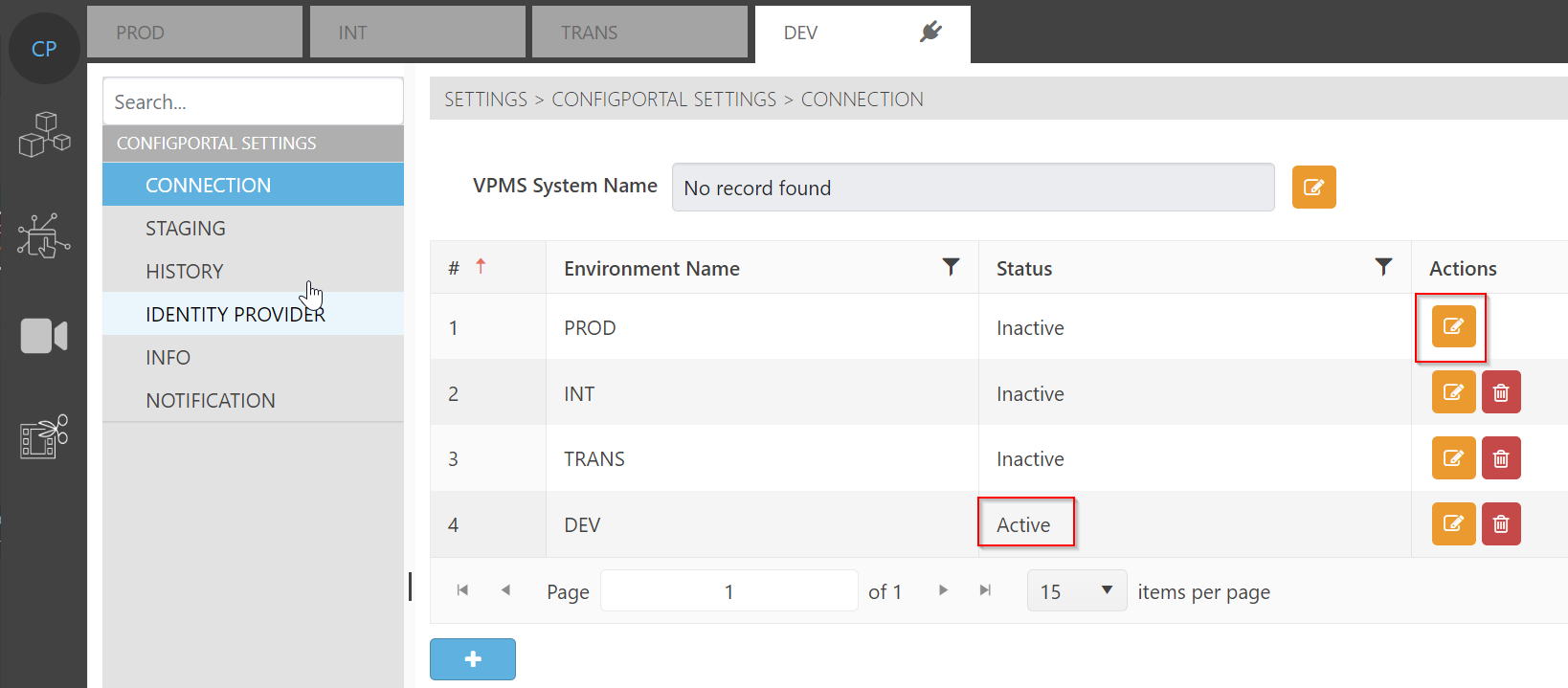
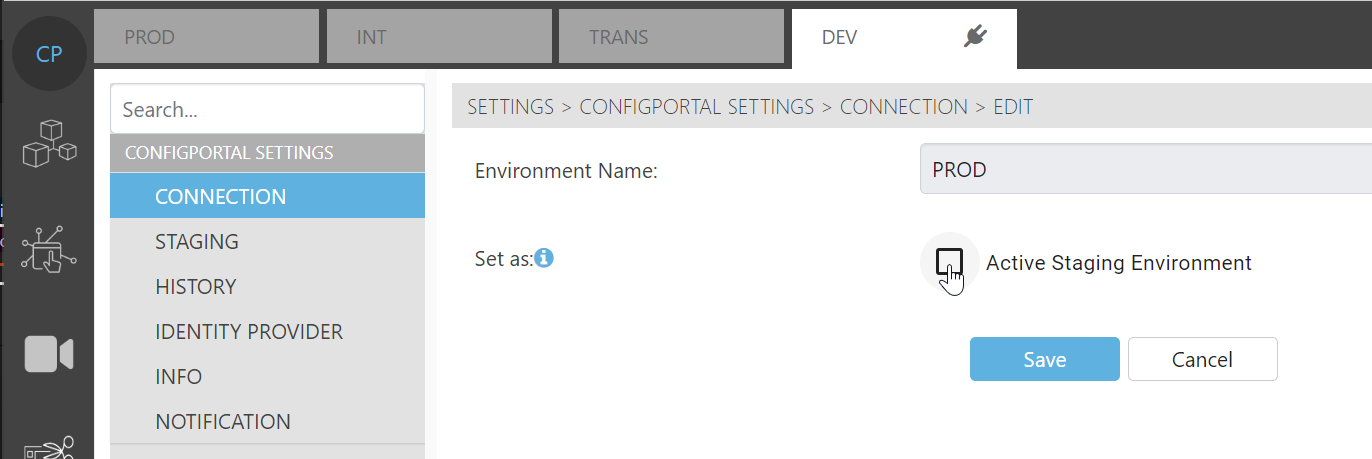
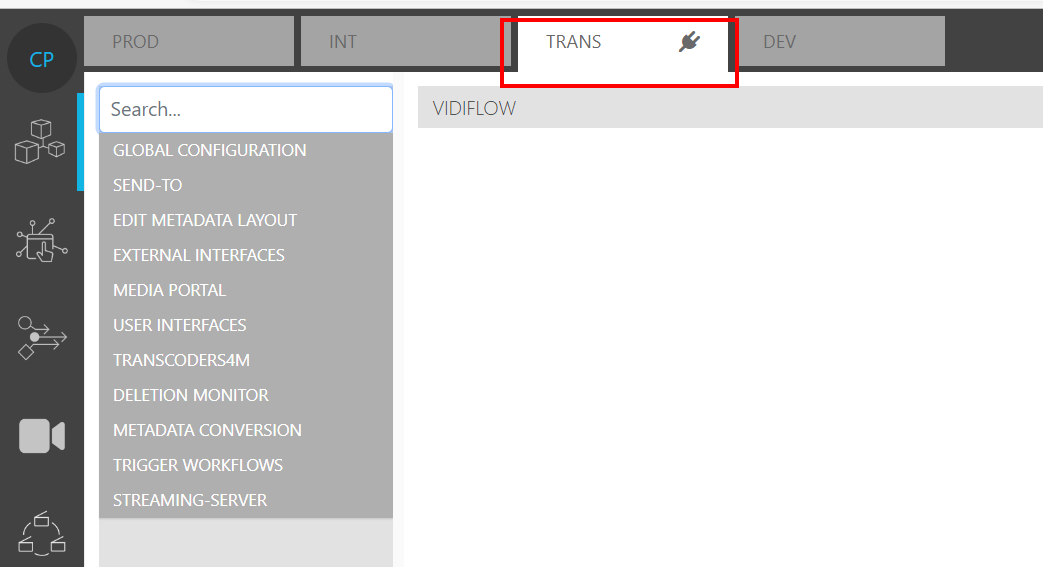
Whenever a ConfigPortal users wishes to perform configuration changes, they must do so in an Active Staging Environment. Environments of this nature are characterized by enabling editing actions in the pages. The currently active staging environment in ConfigPortal is shown with the plug symbol on the tab of the environment.
In this example, the user has logged on to a VM in which TRANS is the Active Staging Environment.
An Environment is made active by selecting Connection under the ConfigPortal Settings Module: