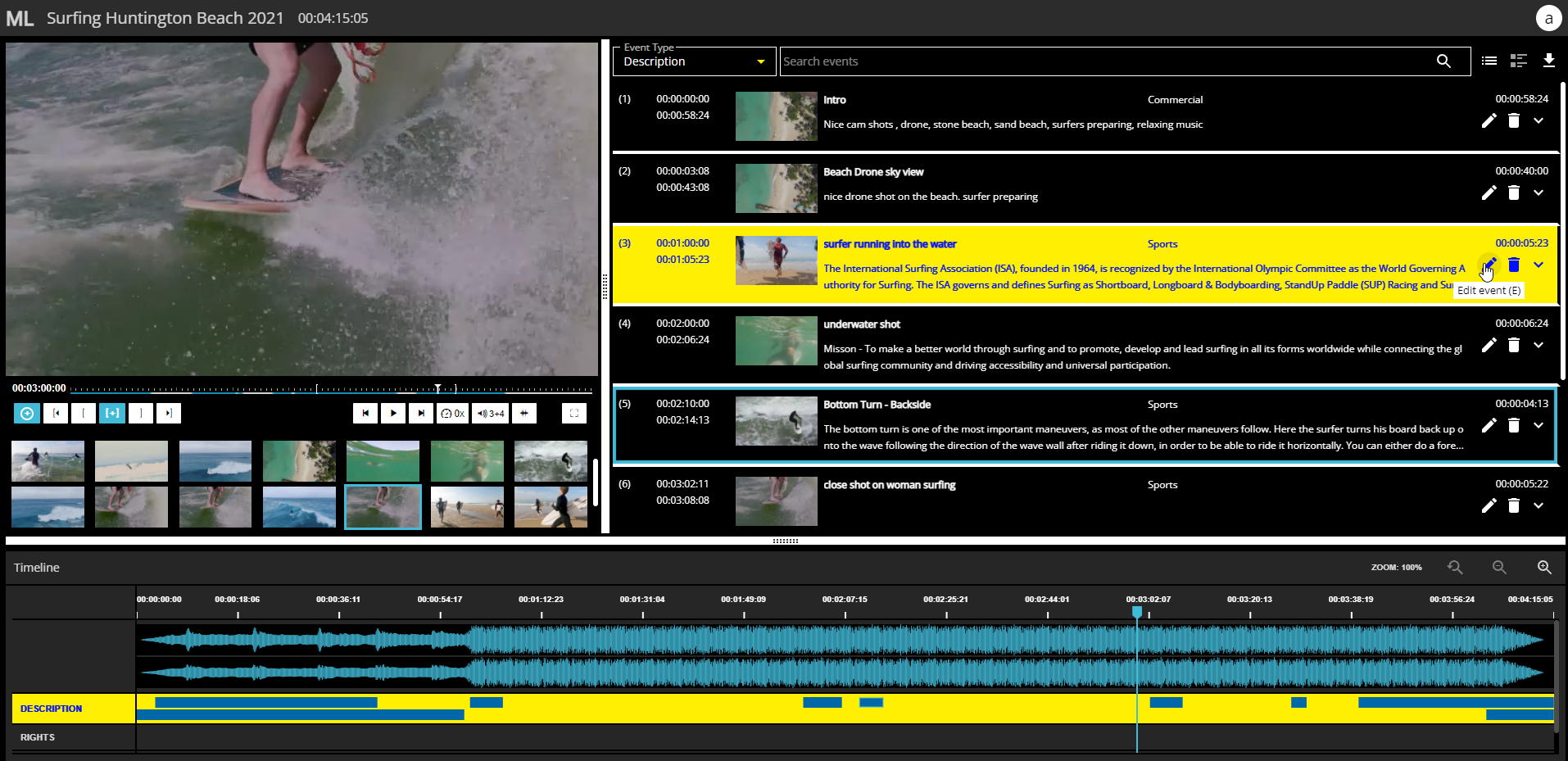
You are free to select between three different color modes for the MediaLogger appearance.
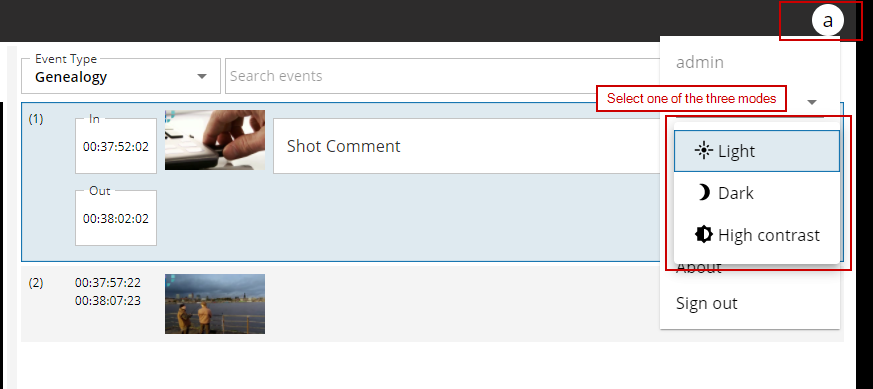
To switch the color mode just open the main menu from the right upper corner and select the mode you want to switch to.
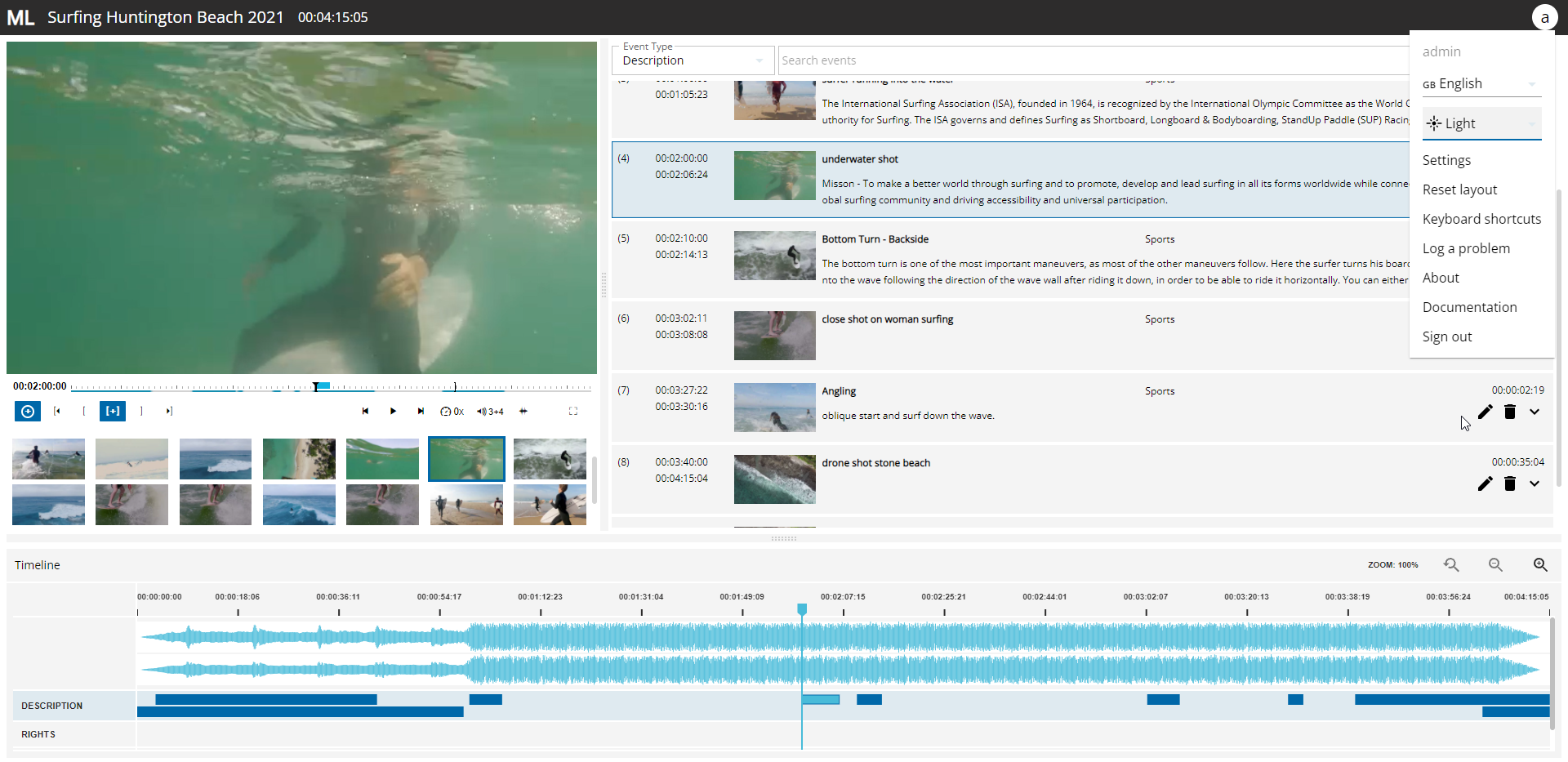
Light Mode
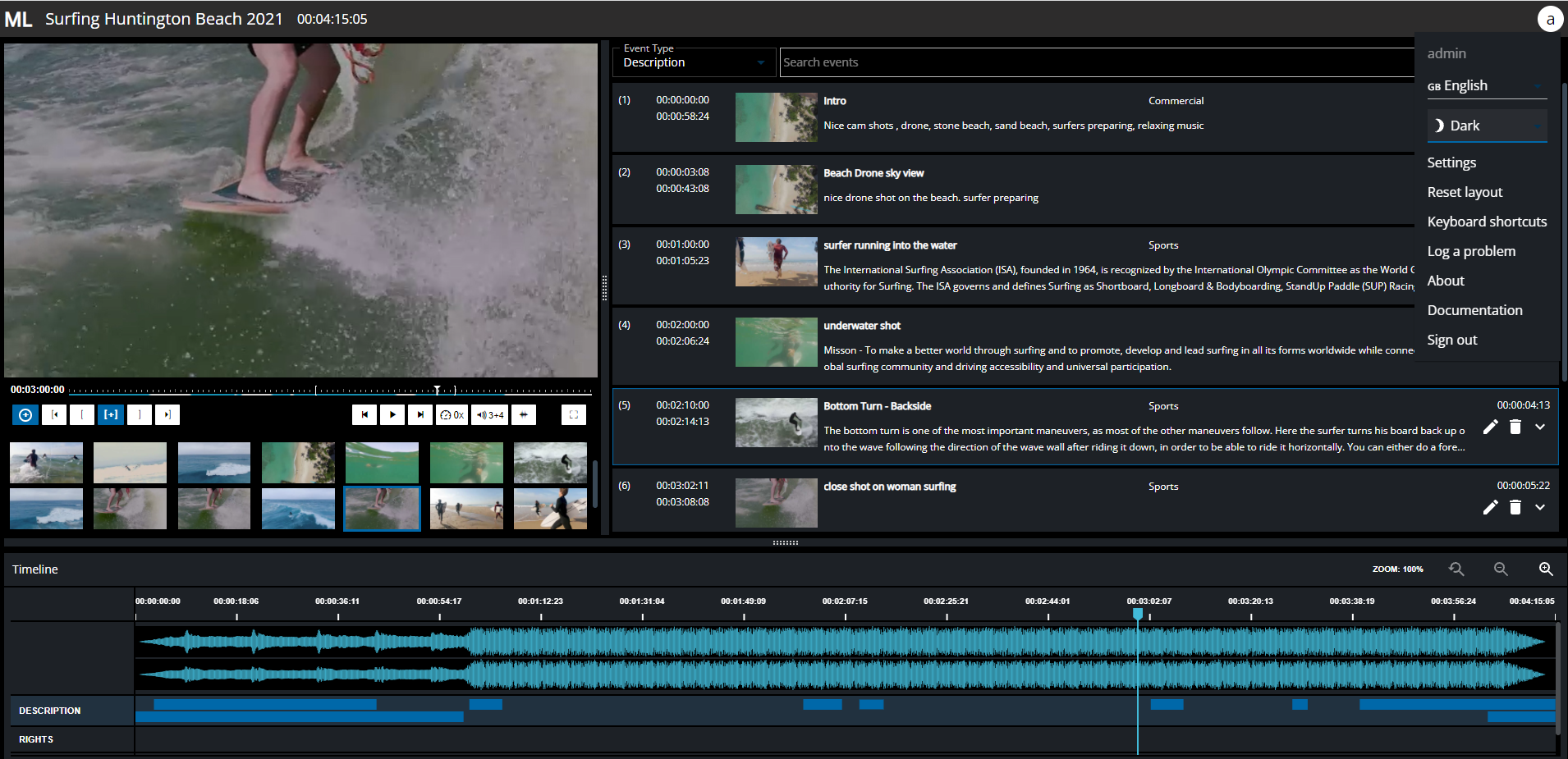
Dark Mode
High Contrast Mode