
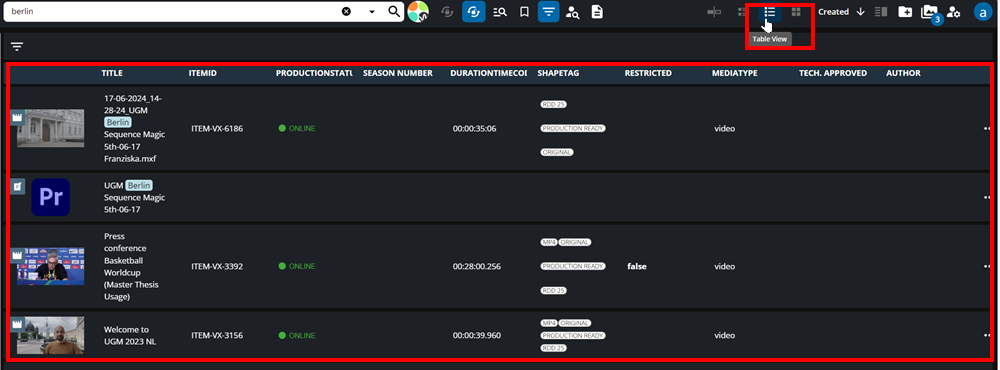
MediaPortal’s Table View displays search results in a compact table of columns and lines, which makes it easy to get an overview and compare values.
The Table View can be selected on the view selector and provides a range of information as expressed in the example below.
Scrolling to the right, users will encounter the column button. Selecting this button will a range of metadata fields that are expressed as columns in the search results. These can be made visible/invisible, by selecting/deselecting each field.
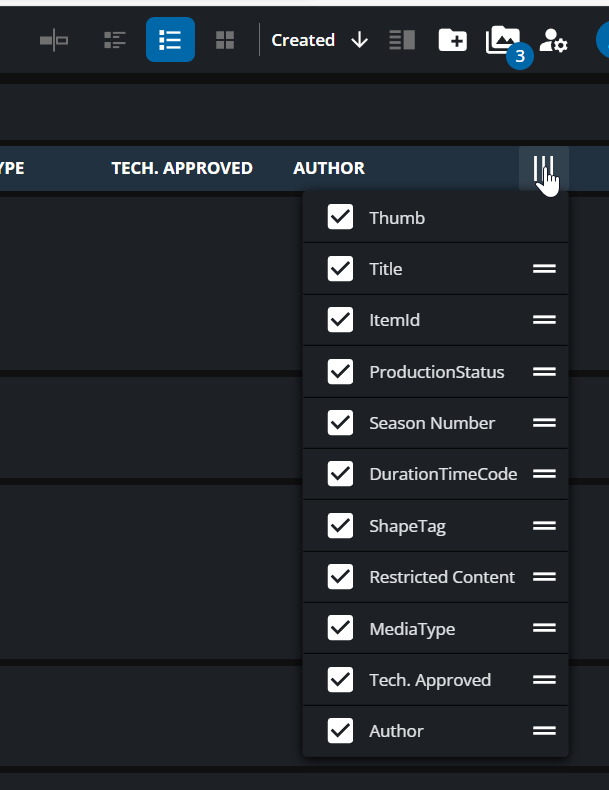
Table View Editing
One can edit entries directly in the Table view. Users can click on a particular field and click the edit button to change the entry.
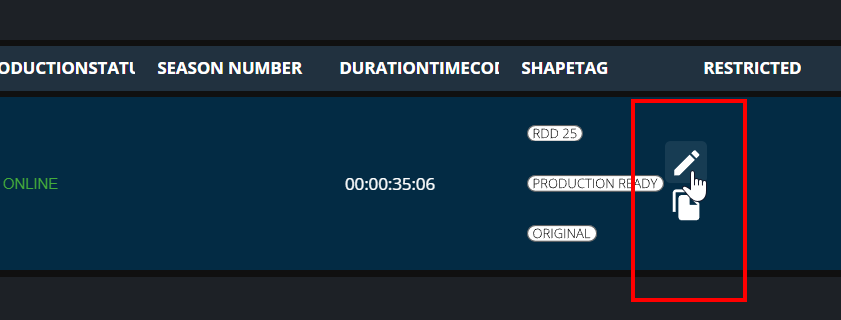
Please note that this feature is enabled by the role: 'MPVDT_WRITE_TABLE_METADATA'