SKOS Semantic Search
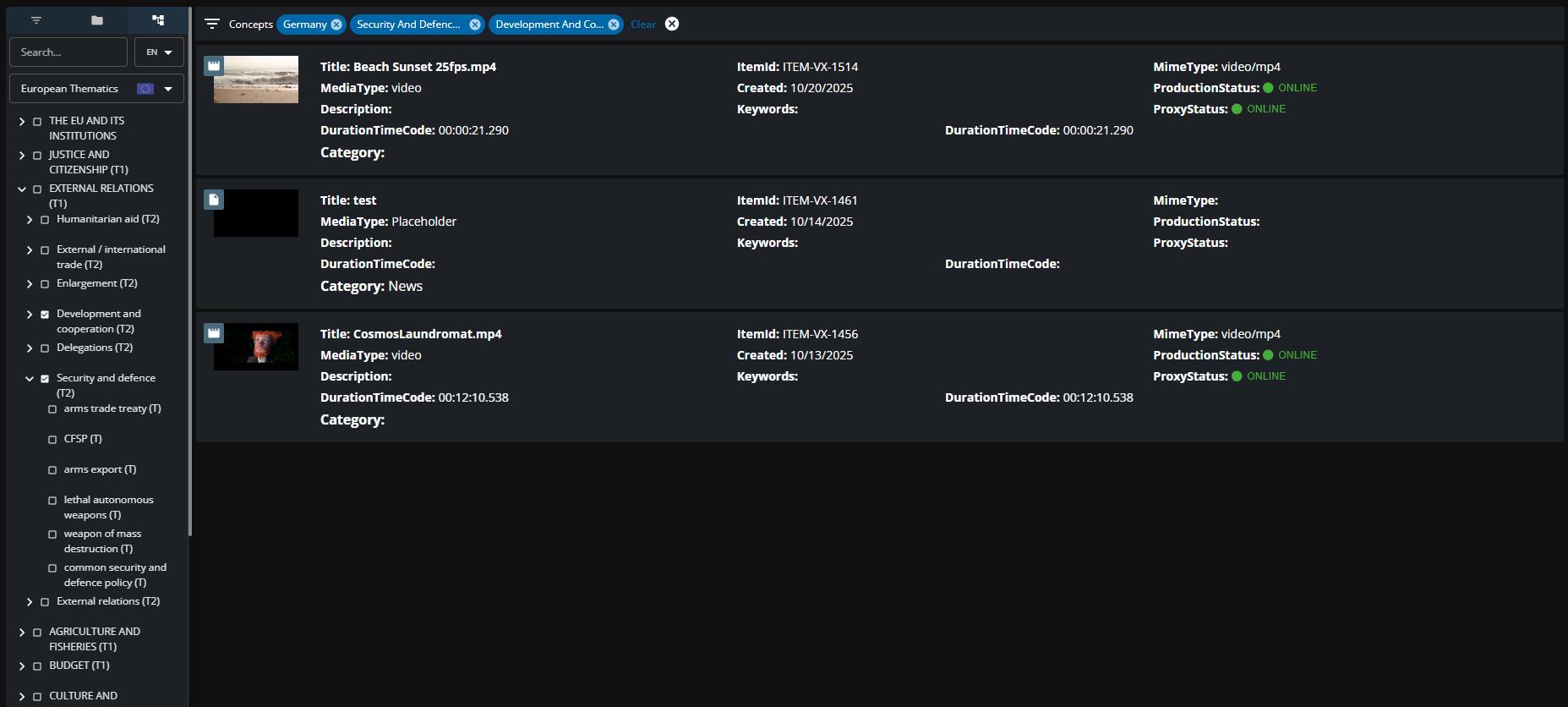
The SKOS search tab in the Mediaportal enables users to look up items that are tagged with SKOS concepts through a type-ahead search or a tree-view navigator.

The SKOS search can be found as a third tab on the left pane in the MediaPortal if it is enabled with the ConfigPortal. The component contains the following features:
Type Ahead Search
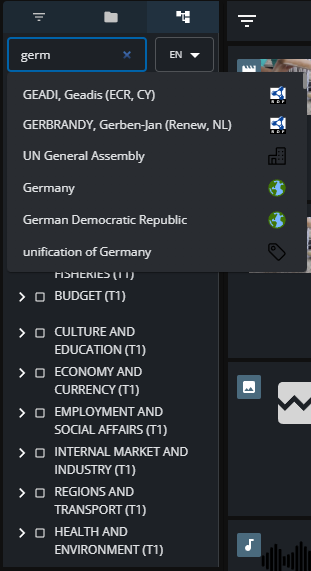
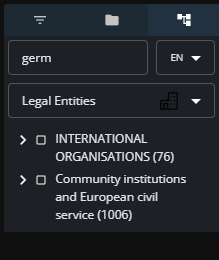
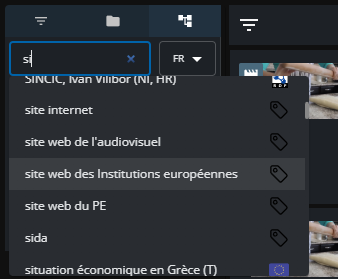
The user can use the typeahead search to look up and select existing concepts across different concept schemes. The icons displayed next to each concept indicate the concept scheme the concept belongs to. Once the user selects a concept, it appears inside the active filter and it triggers a search inside VidiCore to retrieve items tagged with that concept.
Concept Scheme Selector
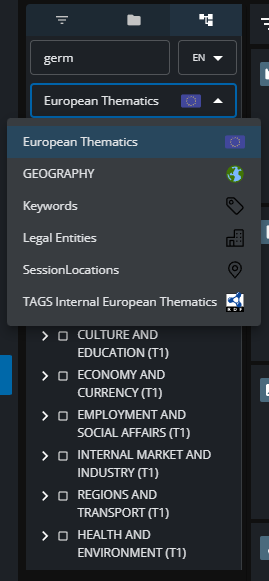
The concept scheme selector offers a drop down menu that alters the tree view of concepts that is displayed based on the concept scheme that is selected.
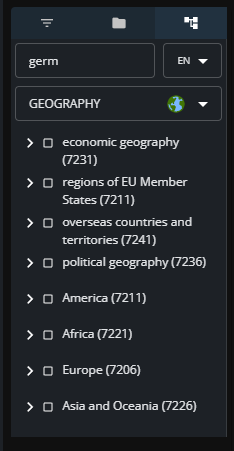
Language Option
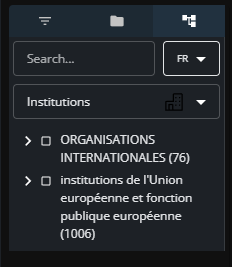
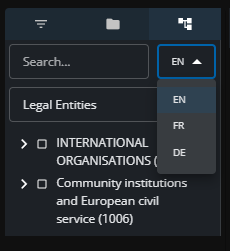
The Language selector offers users the option to search through the type-ahead or the tree-view navigator in different languages. Currently, French, German, and English are supported.
Tree View Navigation
The tree view navigator displays concepts in a hierarchy based on the concept scheme that is selected. Users can do a multi select of the check boxes to trigger search.
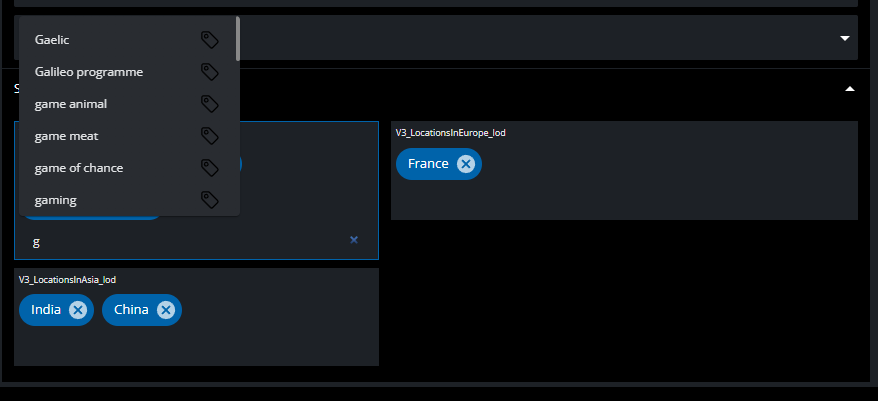
Metadata Editor for SKOS
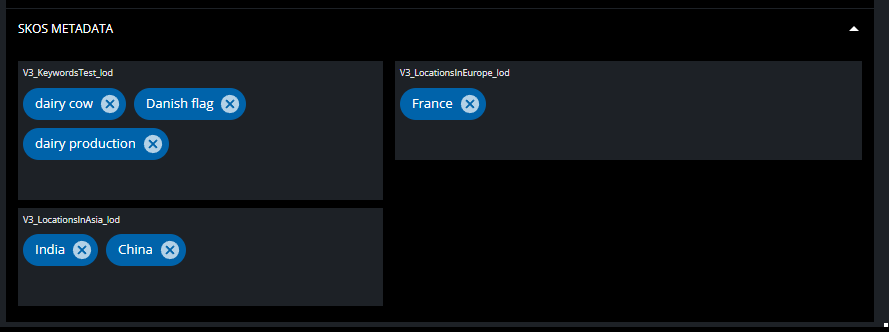
The metadata editing form can be configured in the Config Portal to add SKOS metadata field-groups to the editing form. The form offers users the option to look up existing concepts in SKOS using search. Users can add concepts of their choice and also remove them.