Reaching the Settings Area
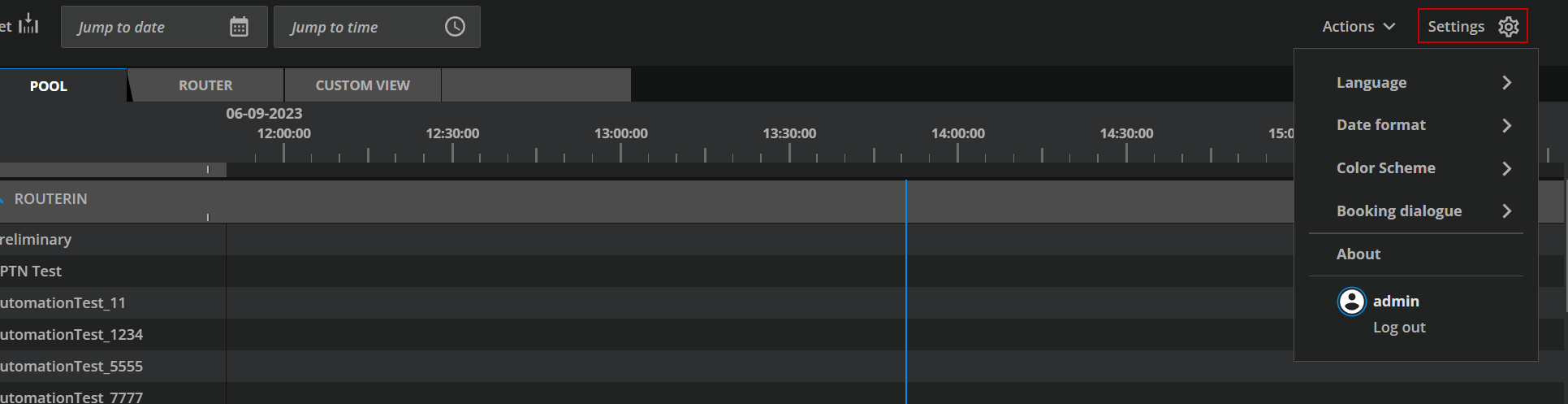
The Settings area can be reached from the main UI by selecting the “Settings” option on the top right-hand side of the main UI.
Settings Area Overview
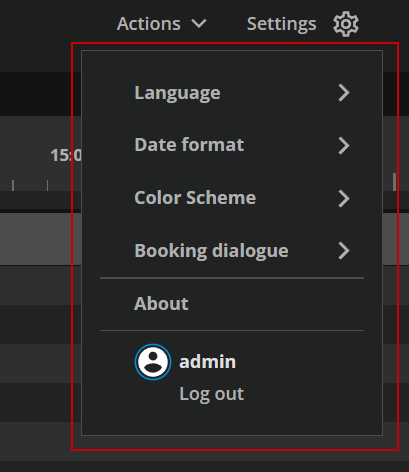
The Settings area can be divided into the following options.
-
Language: This is a personal setting. Users can choose from the available languages to view VidiControl:
-
Date Format: This is a personal setting. Users can choose to which date format to follow.
-
Color Scheme: The user can change between two color schemes.
-
Booking dialogue: Defines the opening mode of the dialog.
-
About: This provides the user with VidiCore API and VidiControl versions.
-
Log Out: The active user is shown and can log out of the session with this last option.