
On this page, on can manage capabilities that can be attached to pools and devices.
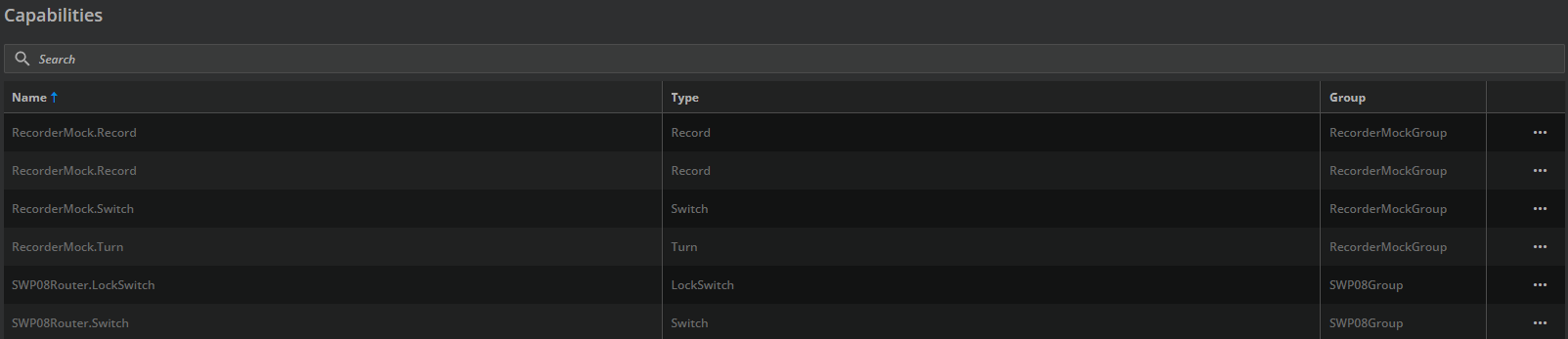
For each entry, there is a context menu entry “Edit Capability” to modify the Capability configuration.
Edit Capability
A modal dialogue opens to manage the Capabilities properties.

The following fields are available:
-
Name
-
Mandatory field.
-
-
Group
-
The name of the group for the capability.
-
Mandatory field.
-
-
Type
-
Read-only.
-
Mandatory field.
-
-
Needs Stop Command
-
Read-only.
-
Mandatory field.
-
-
Default Config
-
Read-only.
-
-
Content
-
The Capability configuration based on the Capability vendor.
-
More information can be found in Capability Content
-
Changing a Capability content can cause several damage to the system, i. e. if there are planned recordings that match with an older version of the content field.