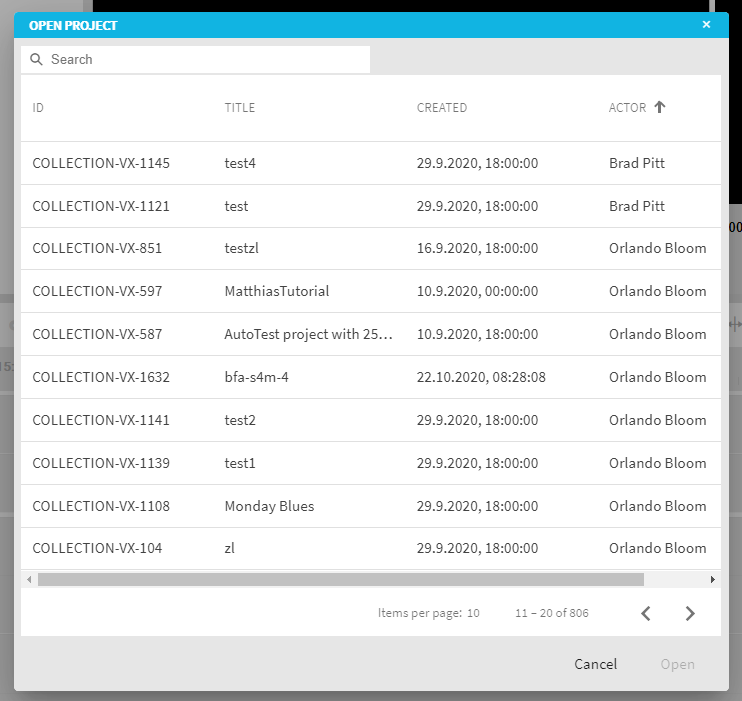
The manner in which projects are searched for can be configured in ConfigPortal under theVidiEditor → Project → Search page. This page allows one to configure which metadata fields of the chosen metadata model into the result grid of the project search. In ConfigPortal, an ordered list of metadata can be chosen by defining the columns of the project search dialogue in VidiEditor.
Example
ConfigPortal setting:
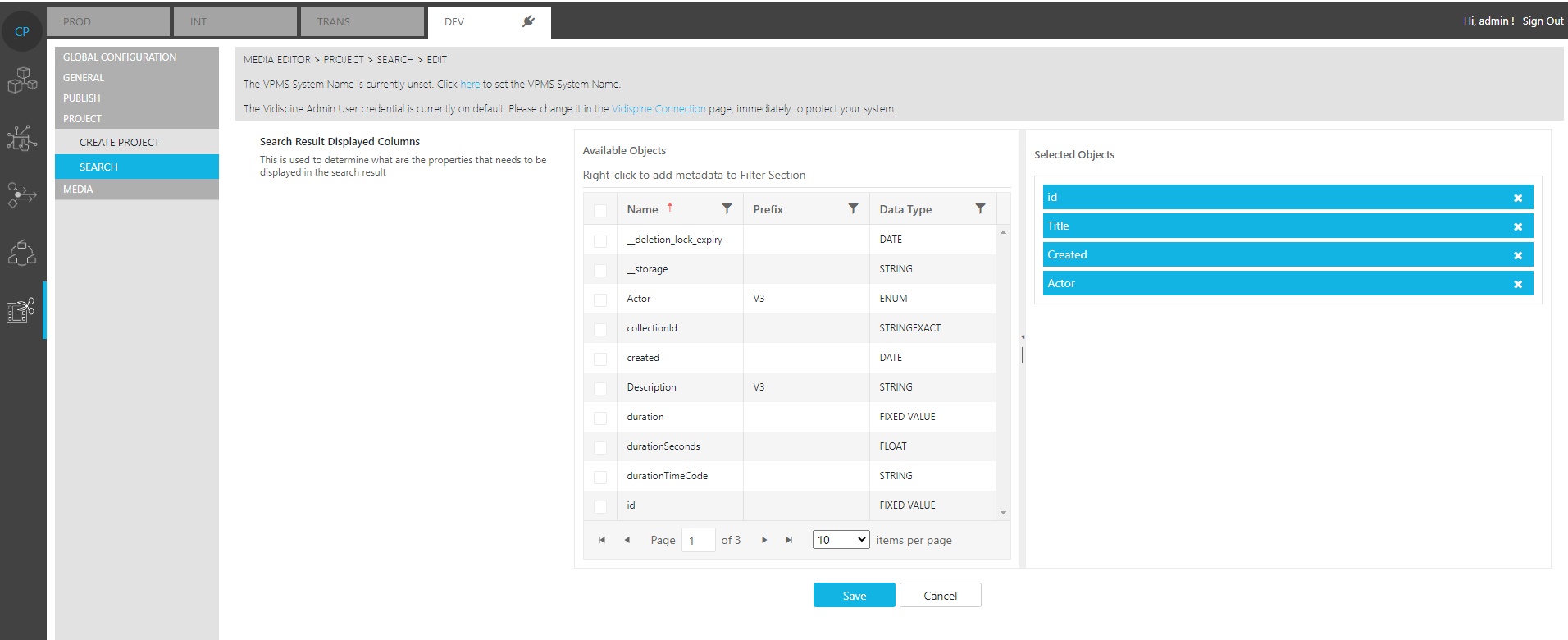
The selected objects in ConfigPortal would result in VidiEditor Project Search dialog being expressed in the following manner: