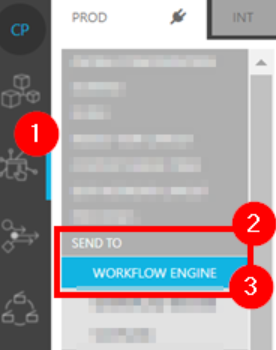
Once within the MediaPortal configuration module (1) for ConfigPortal, users can select the Send To functional use case category (2).
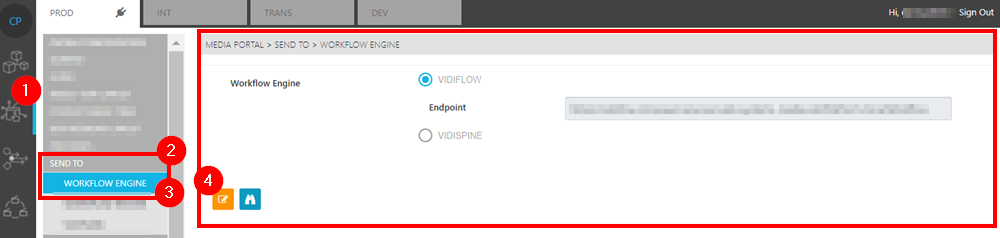
Workflow Engine and VidiFlow Pages
The Workflow Engine use case page (3) can be used to configure the endpoint for for connecting to the Workflow Engine for either VidiFlow or VidiCore. To add or modify the endpoint, select the Edit option (4).
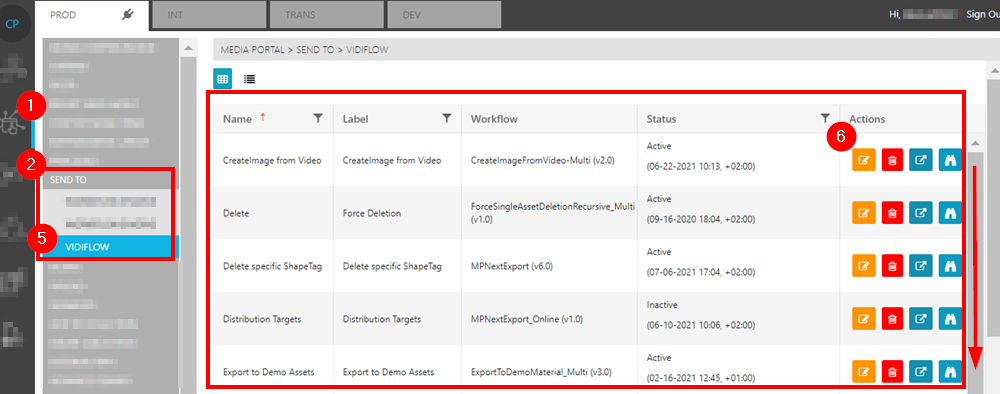
The VidiFlow Page
Selecting the VidiFlow page (5), provides users with a list of the Send to category workflows under VidiFlow. These can be viewed and edited by selecting the action options (6).
The VidiCore Page
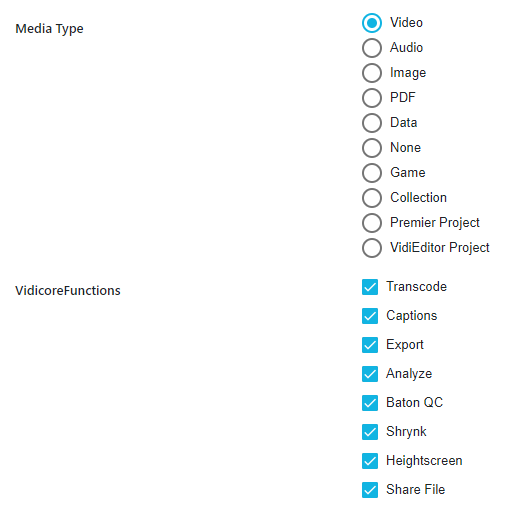
Within the VidiCore Page, one can select possible destinations for different media types.
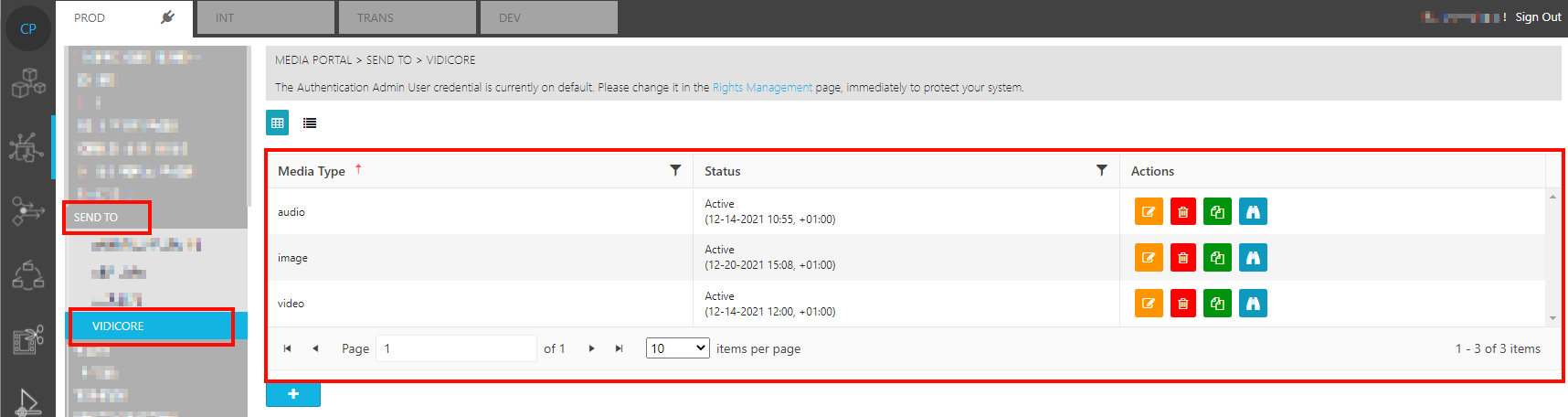
The administrator can define which of the pre-defined VidiCore Jobs are available on different object types