
After performing a search in MediaPortal, can determine at what level they want to evaluate the matches. Users have the opportunity to choose between:
Playback of VidiEditor Projects via Web Render Engine
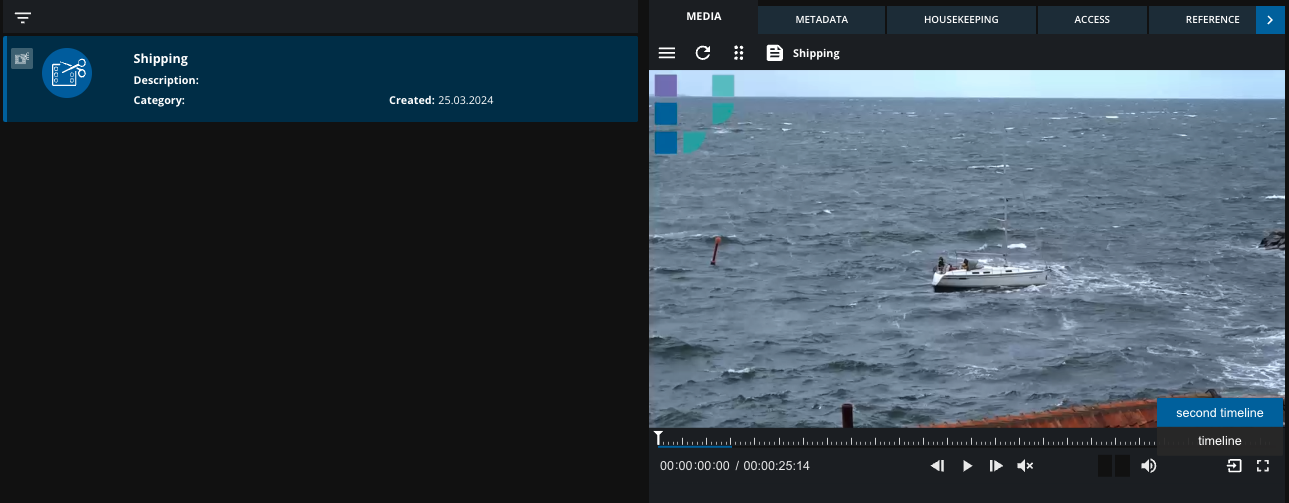
As of 24.1 the MediaPortal facilitates the playback of VidiEditor project timelines utilizing the Web Render Engine. Upon accessing the VidiEditor project, users will find a new MEDIA tab, which automatically loads the latest project timeline. This feature enables seamless playback and scrubbing through edited content within VidiEditor, eliminating the necessity for rendering.
Player Update
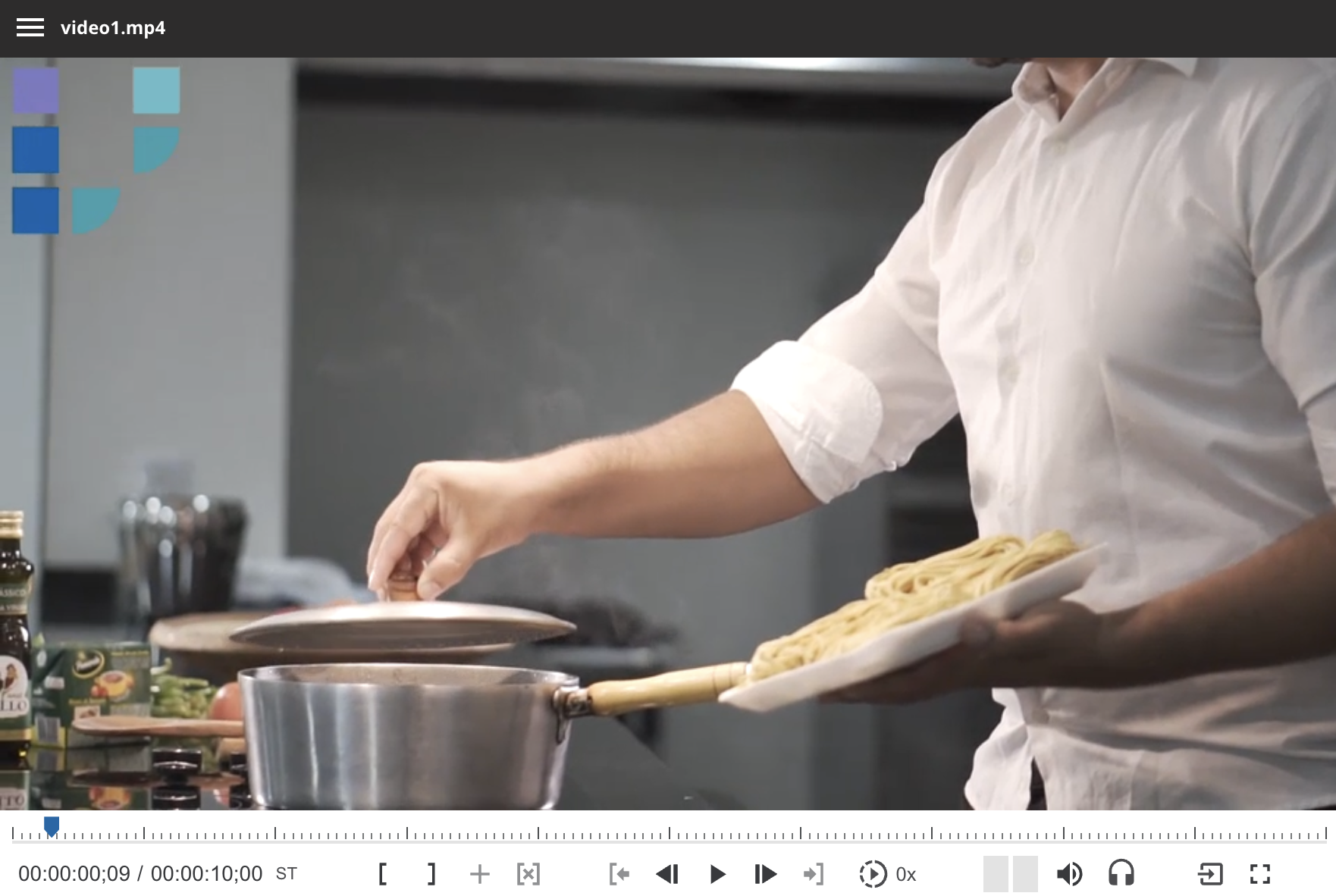
As of 23.4: The updated Player component brings a list of improvements to the user experience, performance, and visual design. By offering it also as a separate VDT module with a dedicated license, it provides a versatile solution for integrating advanced video playback capabilities to the MediaPortal and VDT.
-
Streamlined Features: Intuitive UI, customization options, and enhanced playback controls.
-
Optimized Performance: optimized resource utilization, and faster loading times.
-
Updated Layout: improved accessibility, and consistent branding.
Working with Growing Files and Placeholders
-
When playing a video that is not fully processed:
-
WRE displays the expected total duration.
-
Sections that are not yet available show a placeholder image.
-
This visually indicates to users that parts of the video are still being transcoded or ingested.
-
Audio Track Selection:
-
Users can switch between available audio tracks directly in the WRE player interface.