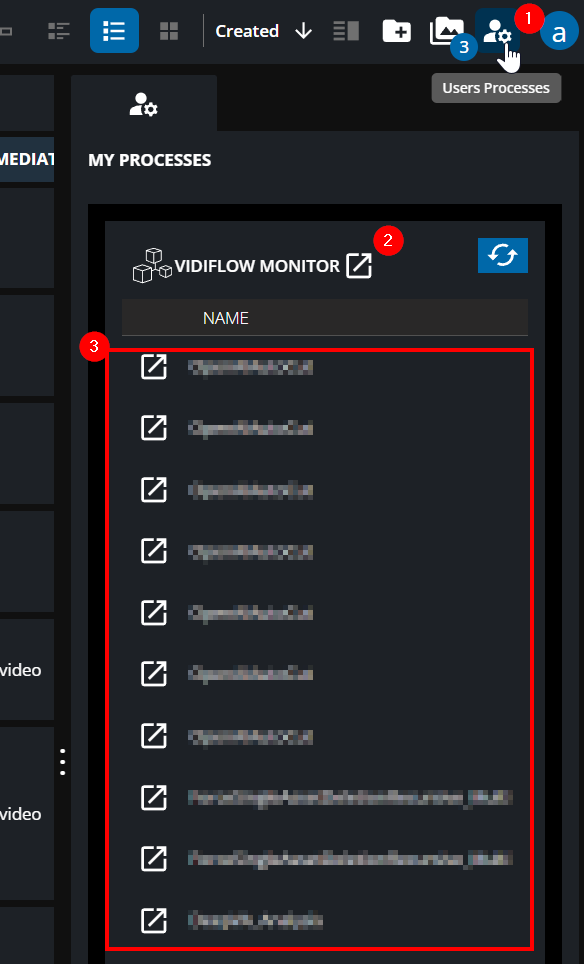
Under My Processes, there is a function which is located on the top right to get an overview of the last VidiFlow workflows a user triggered. It will request the last 100 workflows a particular user performed. The feature provides an overview of the Wf-Name, Item/Collection-ID, Status light, Start Time, Duration and Status Message from a Workflow. A manual refresh can be triggered.
Clicking on the VidiFlow Monitor button will allow to narrow down further via a detailed overview in the dedicated VidiFlow Monitor Application.