
The audio and video tracks content can be enabled or disabled individually. While video track inclusion in the timeline can be toggled on/off via the "Eye" icon, audio track inclusion can be toggled on/off via the "Speaker" icon, effectively muting the audio. As a result, the timeline playback will ignore unselected tracks.
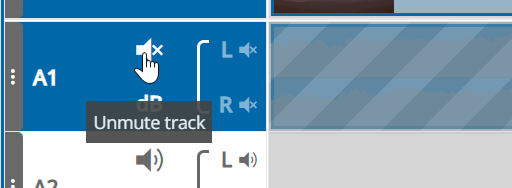
Using those options will ignore the content of the track on preview in the timeline player as well as on publish.