Administrators can use this Use Case Category to configure certain aspects pertaining to the behavior of MediaPortal’s video player.
These are:
-
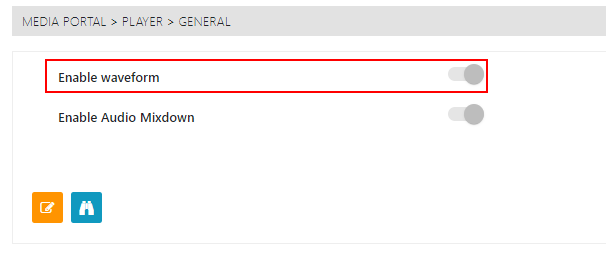
Waveform
-
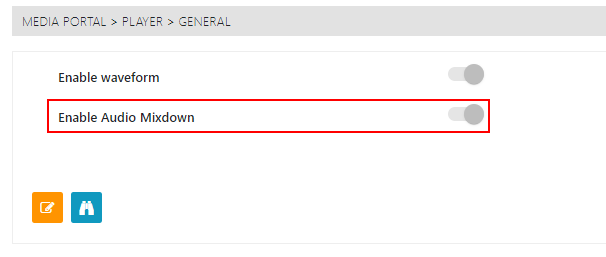
Enable Audio Mixdown
-
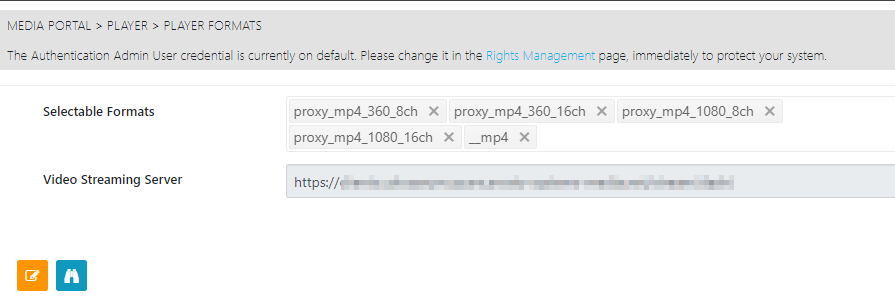
Playable formats
Waveform
Administrators can simply to toggle control to enable audio waveforms to be displayed in the player.
Enable Audio Mixdown
Toggle to allow users the option to listen audio tracks on the player individually or all at the same time.
Formats
Users can use this page to select which of the formats can be used in the player. These are based on pre-configured Shape tags.
Additionally, users can specify the endpoint for the streaming server being used.