
To enable the SKOS Semantic Search and metadata editing feature, the following config pages need to be set up. These can be found under the SKOS Config Tab, which includes:
-
SKOS Service
-
SKOS Mapping
SKOS Service
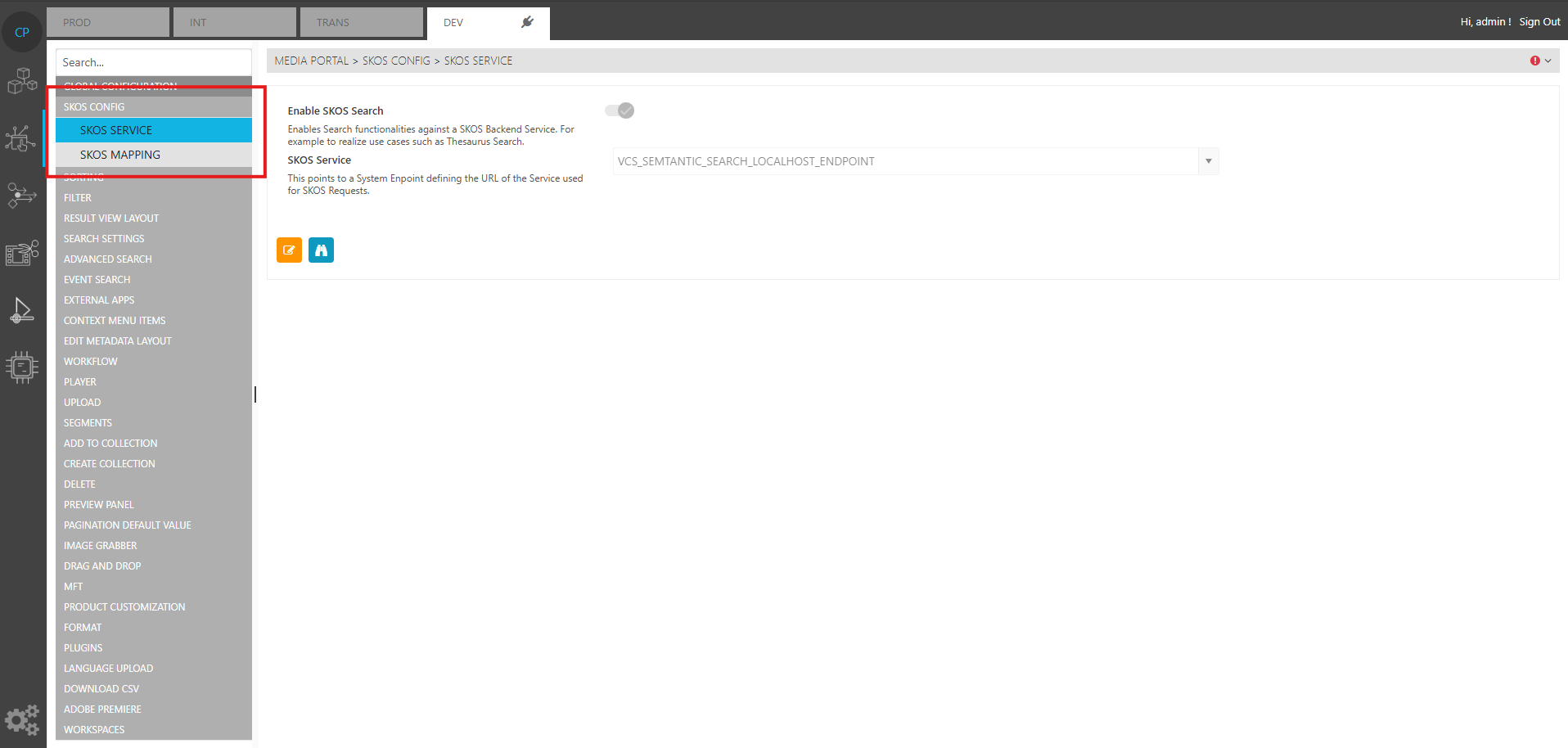
The Skos Service page comes shows the control to enable/disable the SKOS feature. It is disabled by default. This is can be controlled with the “Enable SKOS Search“ switch. The drop down menu labelled “SKOS Service” is used to select a system endpoint which points to the running VCS service of that system.
SKOS Mapping
The SKOS Mapping page is used to configure settings for the SKOS Concept Schemes, and the field groups a user wishes to use in the metadata editing layout.
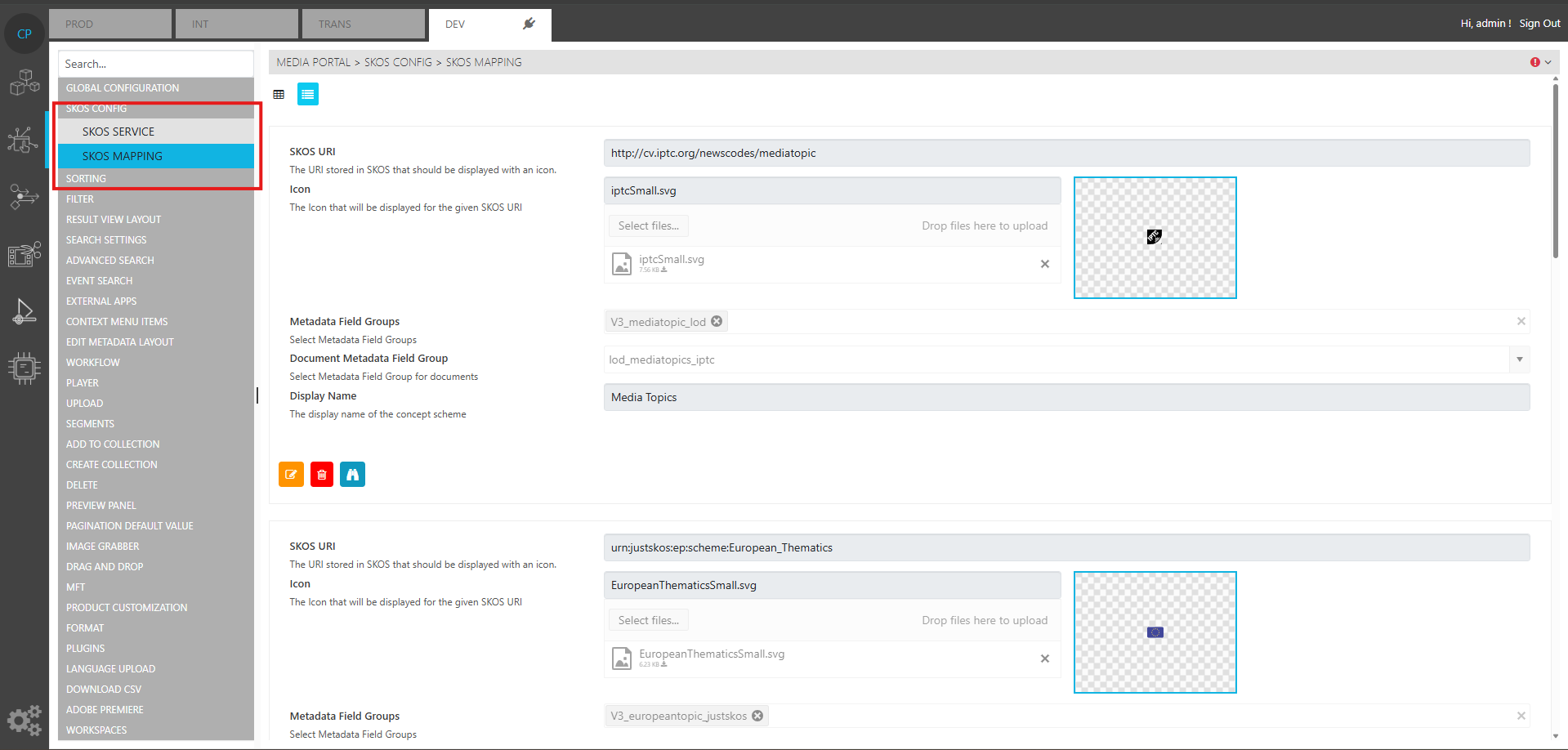
To add a mapping for a particular concept scheme, users need to specify the URI of that Concept scheme in the “SKOS URI“ text field. An SVG icon should be provided for that concept scheme as well. The metadata field-groups that belong to this concept can be added using the “Metadata Field-Groups” multi-selection drop down option. This option returns the list of available metadata-field groups, from which users can choose the most suitable ones. The “Document Metdata Field-Group“ option is a single-select drop-down option that returns a list of available metdata field-groups in VidiCore. The user has to select one metadata field-group which is to be used as a template to create documents for SKOS Concepts. The last field “Display Option“ is the display name of the concept scheme.