
The Settings pane allows to do adjustments of media segments selected in the timeline. So it displays parameters of the segments to be adjustable. As the different types of media segments in the timeline have different possibilities to change, also the Settings pane is displayed differently depending on the users selection.
Video or Image Segment
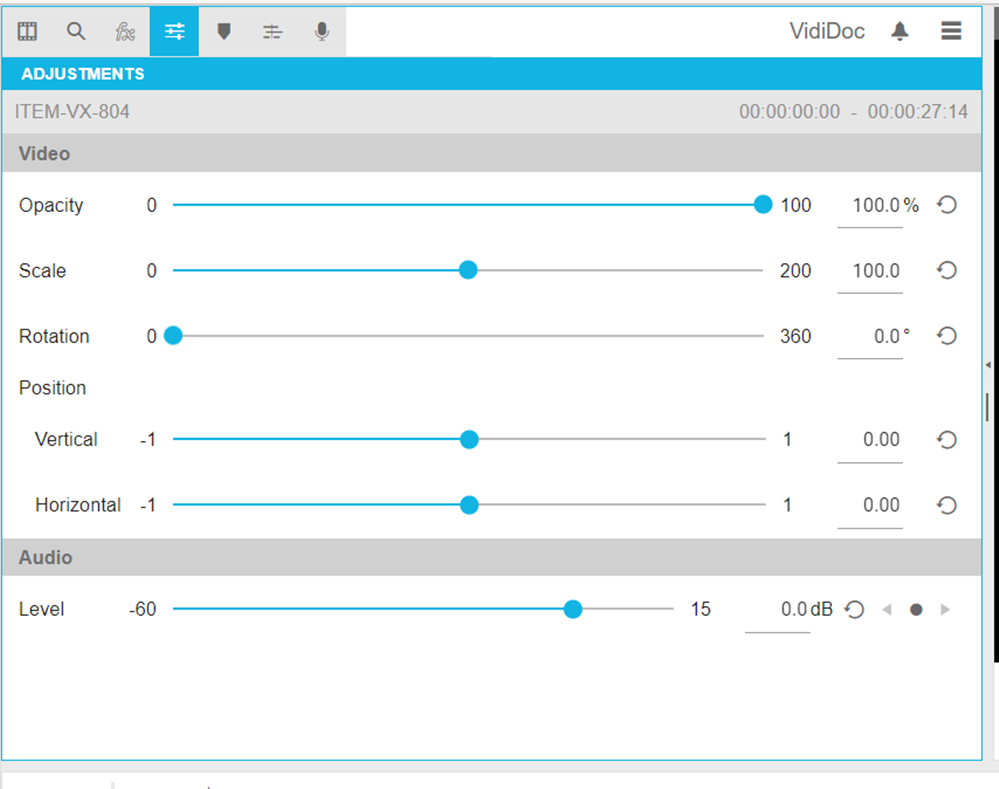
Single selecting video or image segments will display the video effect parameters to be adjustable. See Video Effects for an explanation of using those parameters.
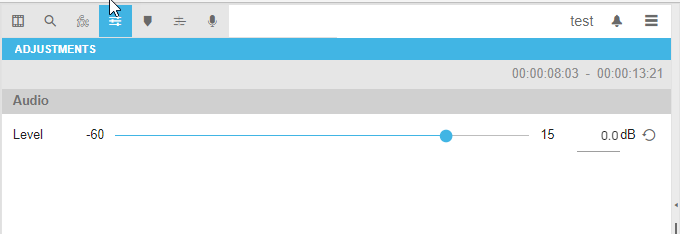
Audio Segment
Single selecting audio segments will display the audio effect parameters to be adjustable. See Video Effects for an explanation of using those parameters.
Linked Video/Audio Segment
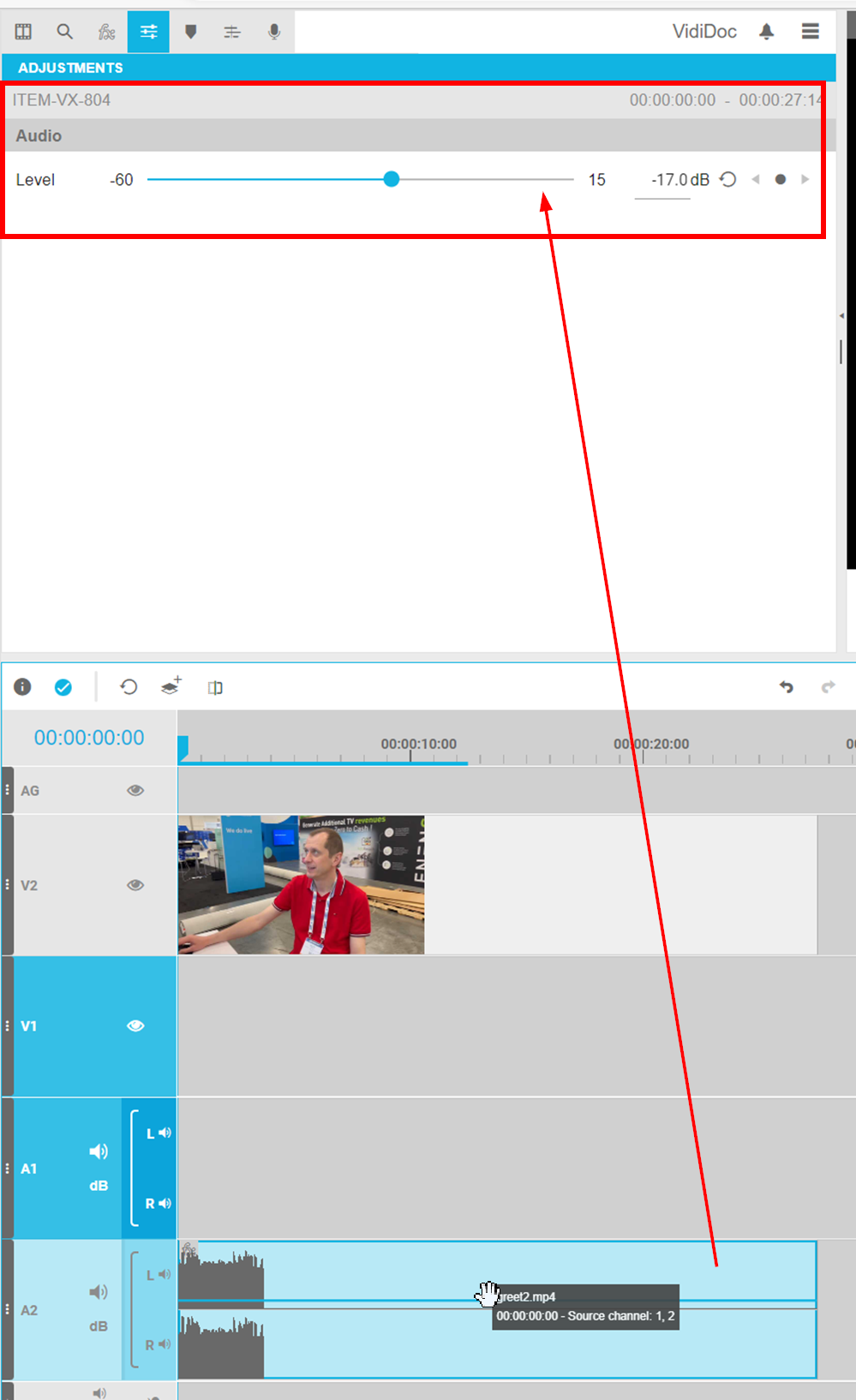
Single selecting a linked video / audio segment will display the video and audio effect parameters to be adjustable. See Audio Levelling Segments and Video Effectsfor an explanation of using those parameters.
Please note that the amount of audio levelling options depend on the number of linked stereo pairs for 1 video. An audio level control is displayed per stereo pair.
Multi Selected Segments
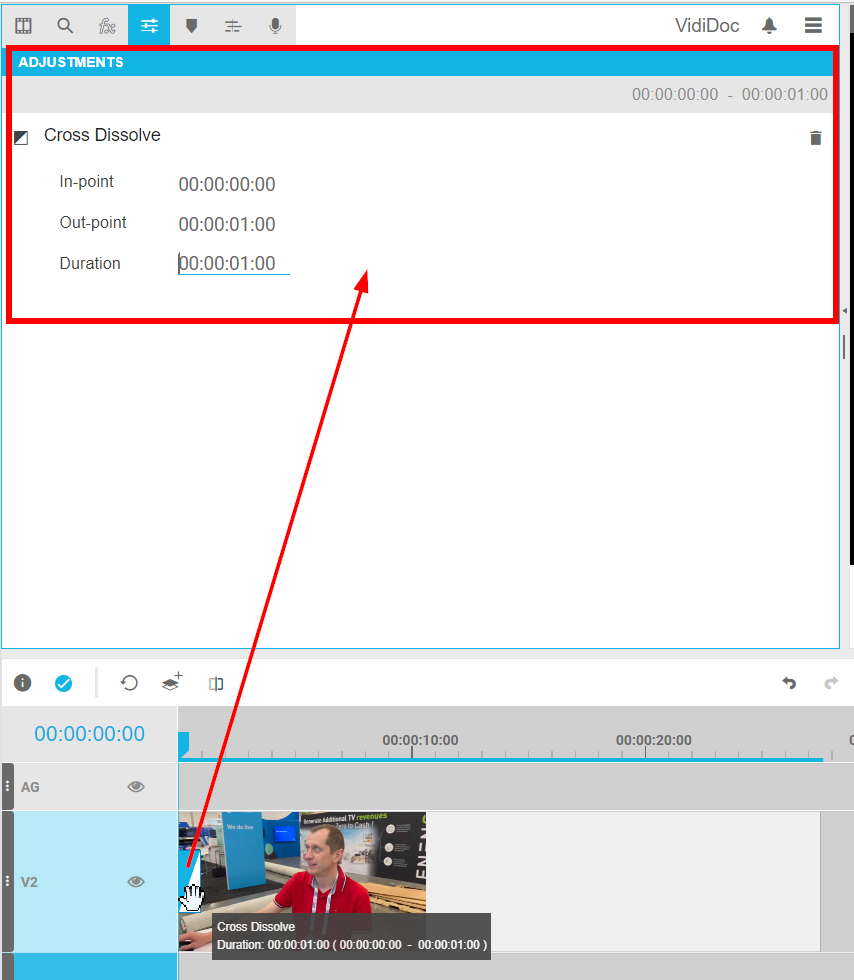
When using a mutli selection of segments and choosing the settings pane, it is possible to batch add transitions to all cuts existing and allowing transitions. Please see Transitions for a description about this functionality. Basically the pane looks as follows in this situation:
Animated Graphics
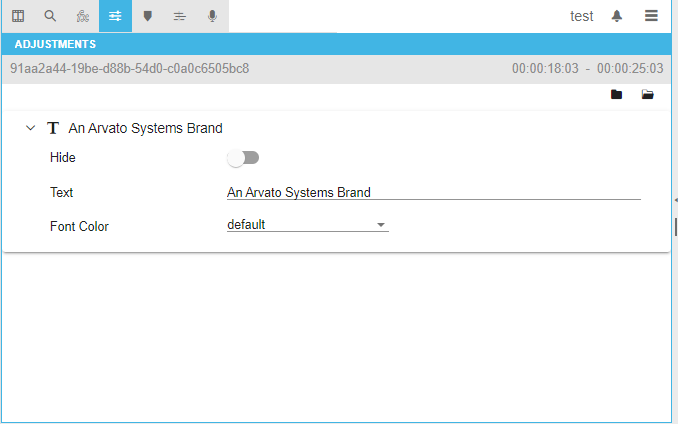
When using animated graphics, the settings pane allows to edit the animated graphics parameters depending on their configuration. Please see Animated Graphics and Animated Graphics (On-prem/Hybrid/BYOC) for details about the possibilities. The dialogue can for example look like this:
Voice-Overs
For voice-overs, the settings pane acts like on the audio segments with the exception that keyframe based audio levelling is not possible for voice-over segments.
Please read Voice-Over for additional information about voice over recording possibilities.