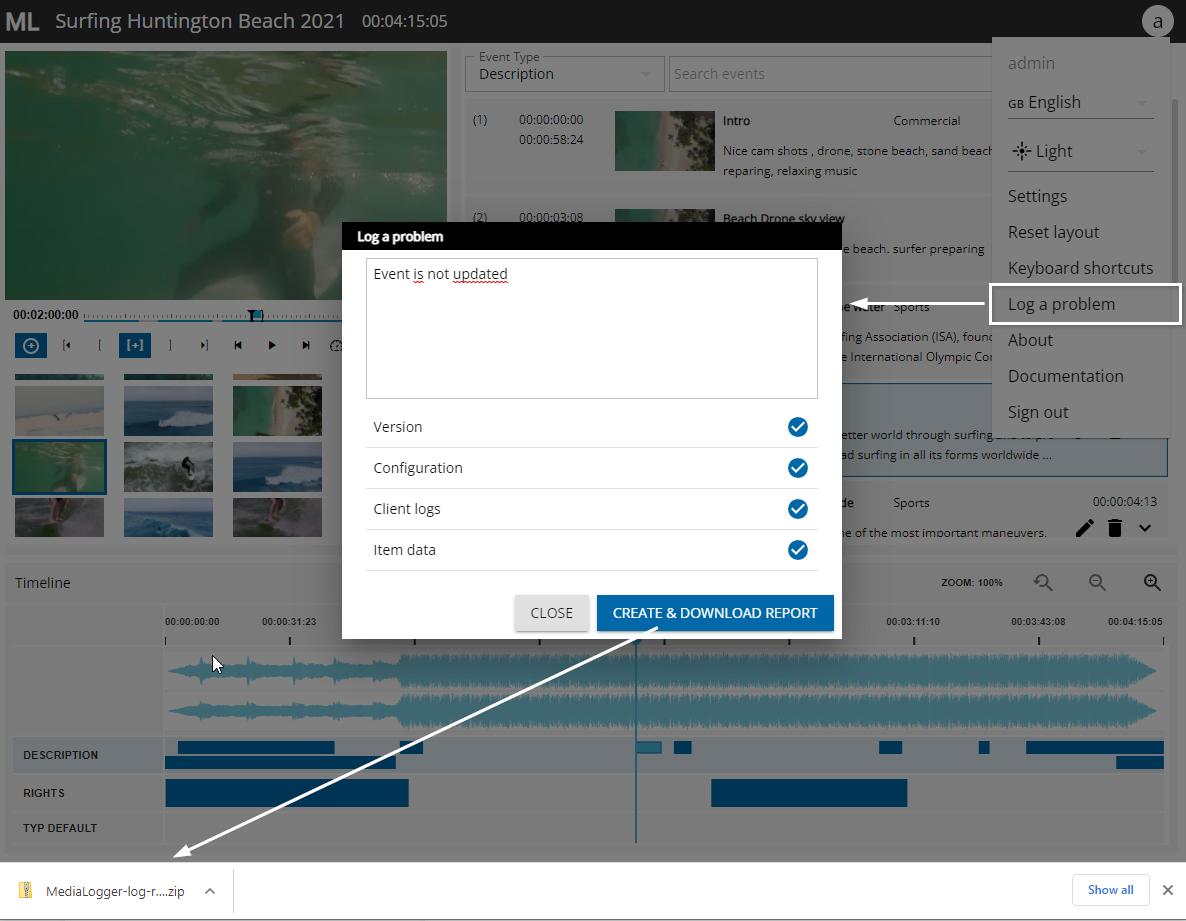
In case users face irregularities or problems when using the MediaLogger they can go to the main menu and select the option “Log a problem”. This will open up a dialog where the user should enter a short description of the problem. When pressing “Create & download report” a zip-file is created containing this error message, version numbers of MediaLogger and Vidicore, the configurations, item data as well as browser logs. This zip-file could then be send to an adminstrator or support team.