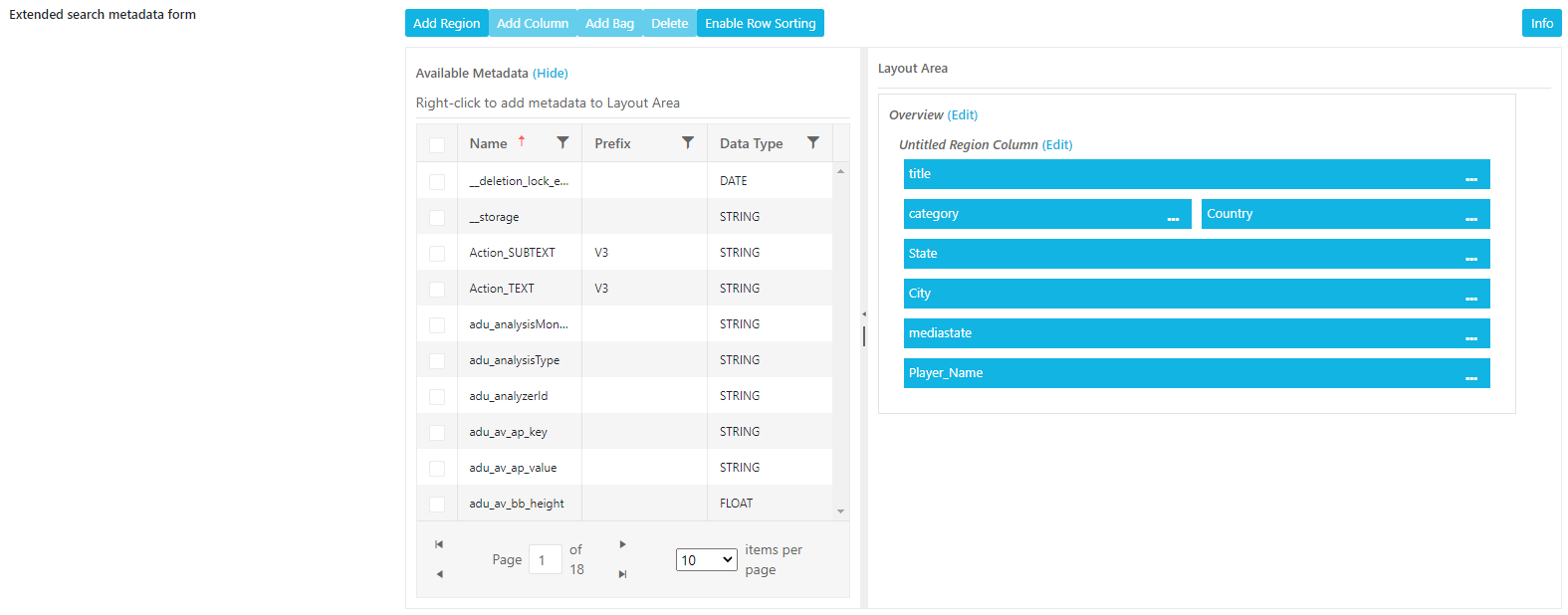
The Advanced Search Functional Use Case Category allows administrators to configure which metadata fields and groups are expressed when selecting the Advanced Search.

Additionally, users can specify which metadata fields are expressed in the Extended Search option in MediaPortal. Users are also able to configure the layout in which metadata fields are presented.
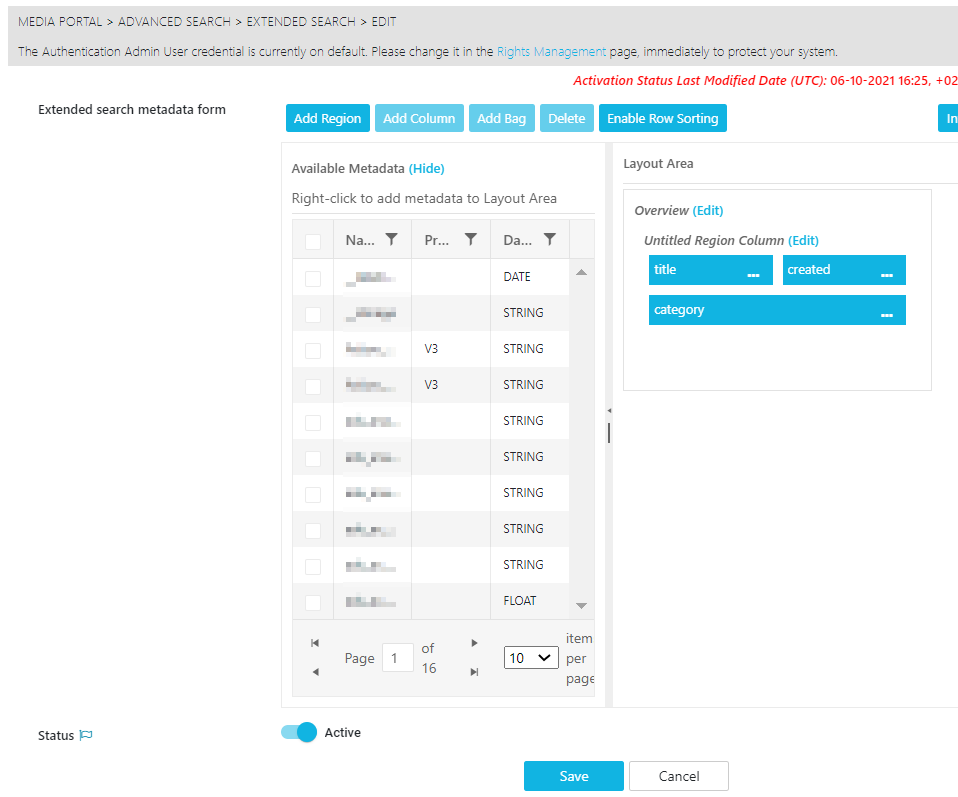
It is important to note, that both the fields and groups themselves cannot be configured in this page. Administrators can only use this page to select those which already have been configured. Metadata fields and Groups are both configured in Global Configuration Metadata Page.
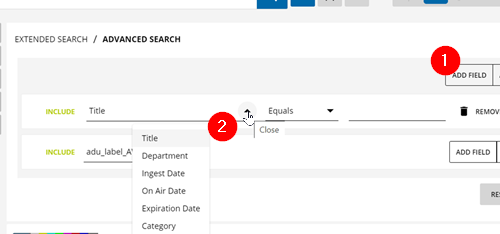
Example in MediaPortal GUI:
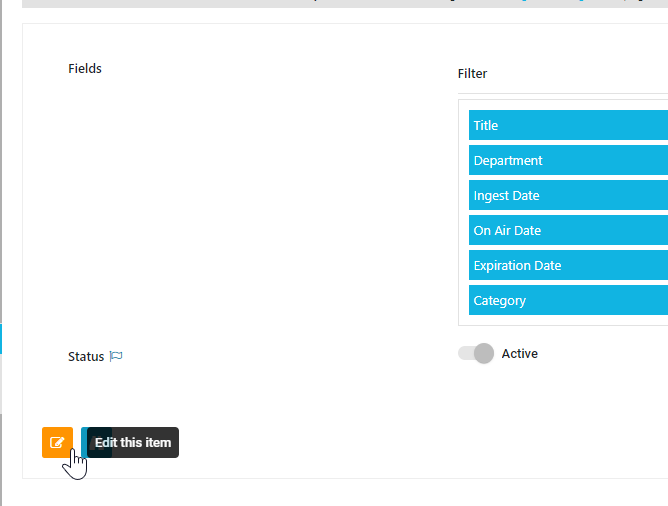
Fields
Administrators can select from the metadata fields, which of these are expressed and their positioning in the UI:
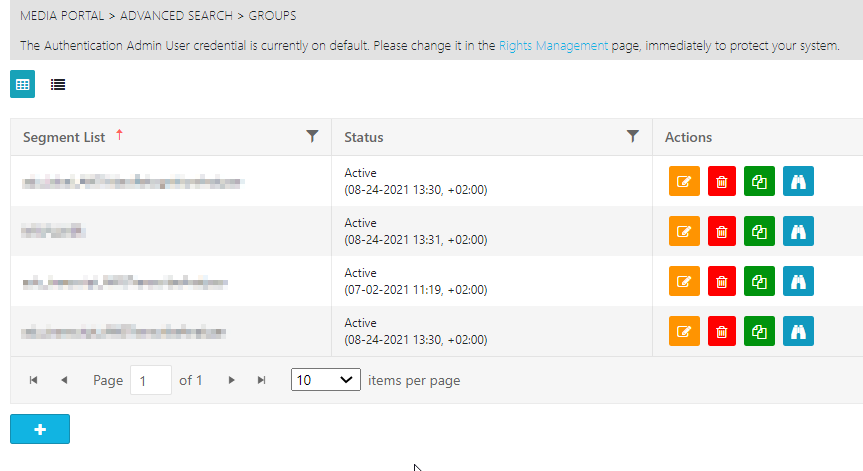
Groups
Administrators can select which metadata group is added as potential choice when using the Advanced Search.
Extended Search
Define the Layout and fields which are presented on the Extended Search. Utilize the Meta Data View Builder to pick from the existing meta data fields and arrange them: